Take the work where it needs to go
Access Monolith from anywhere with the Monolith Mobile app. Available for iOS and Android.




Access Monolith from anywhere with the Monolith Mobile app. Available for iOS and Android.
View your Monolith cases & evidence right from your mobile device. See everything or filter for just the cases and evidence assigned to you.

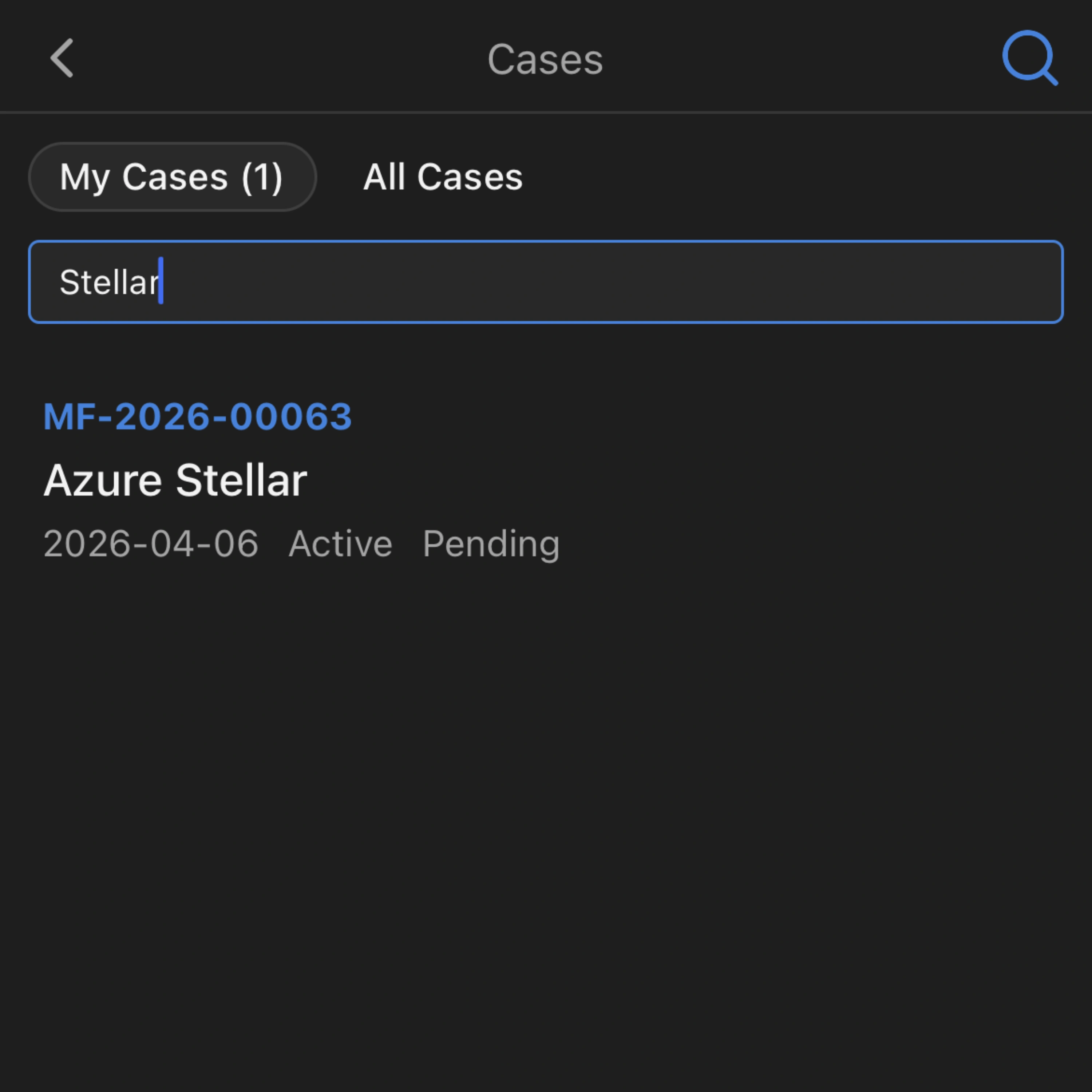
Quickly find a specific case or evidence item using the built-in search. Click into a case or evidence item to see more details and add notes.
Use your device's camera to scan physical labels, items, an "About This Device" screen, or an existing photo in your photo library. From the image, Monolith will populate the item's information automatically.

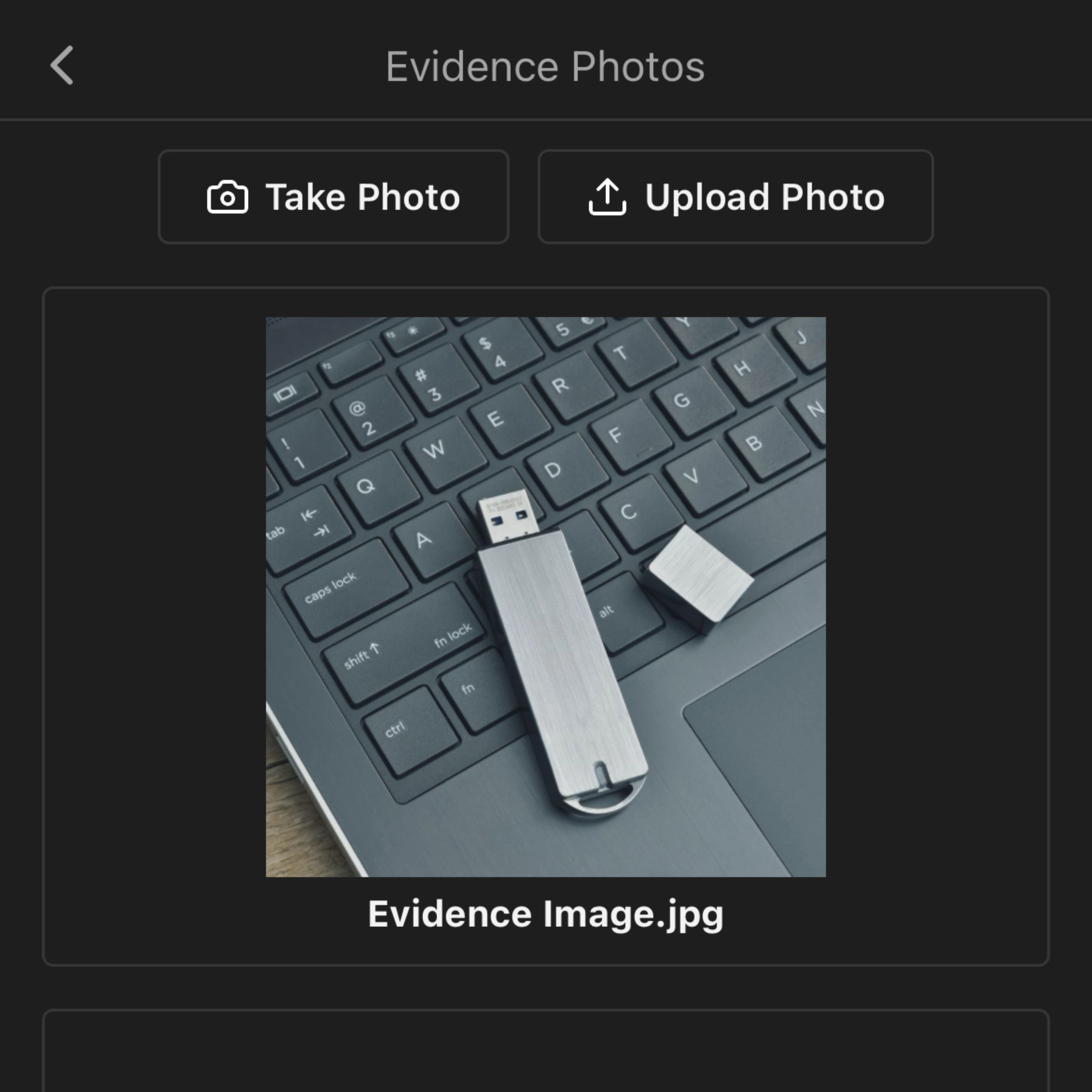
Take photos from your phone or tablet, then upload them directly into an evidence item in Monolith. Photos added from the app sync automatically to the case and evidence item inside your Monolith tenant.
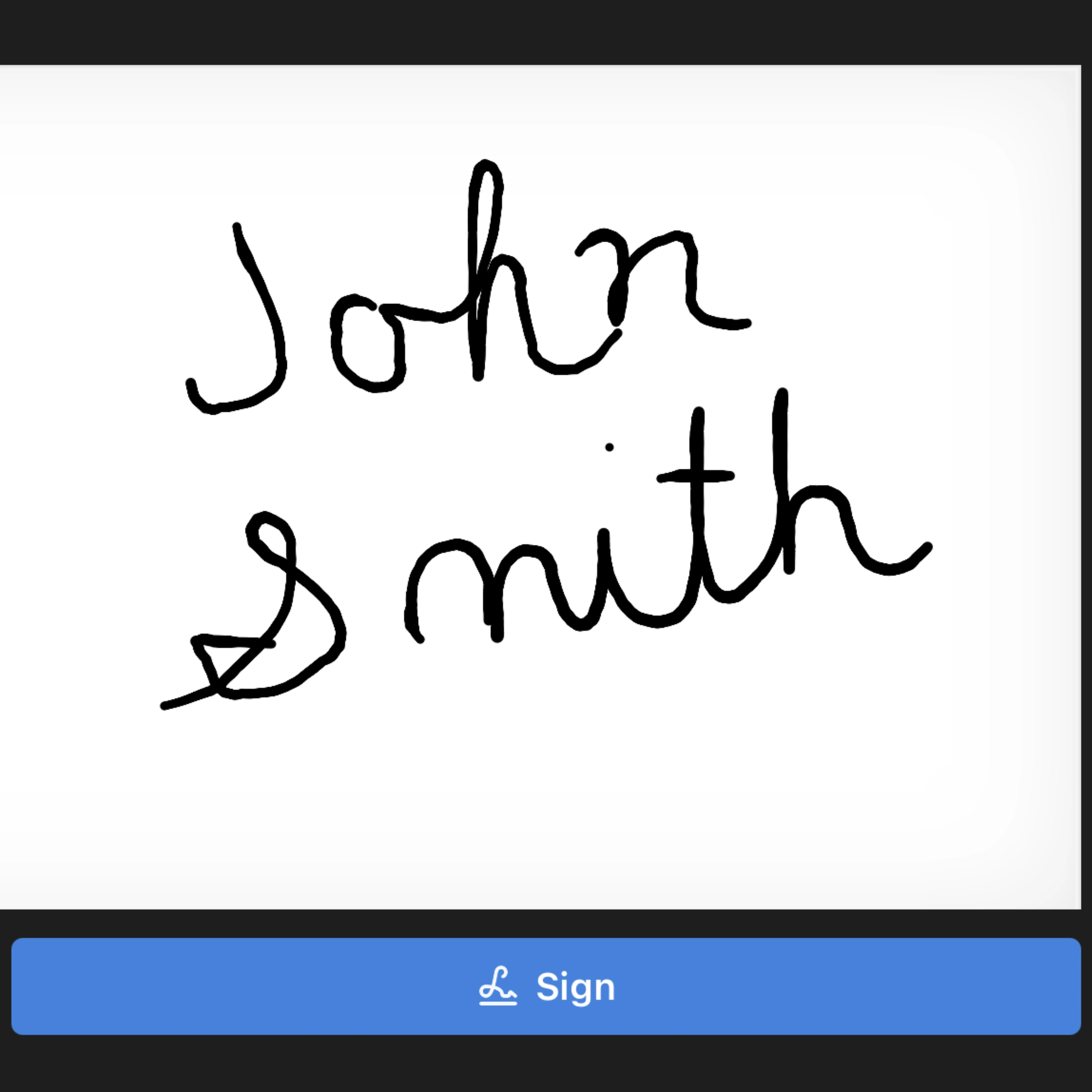
Start COC immediately on intake inside the app. Monolith Mobile's digital signature pad lets you get the signature while you're standing next to the person handing you the evidence item.
When you need to move, release, or check out an evidence item, you can complete the COC right within the app. All COC actions are synced to the Monolith platform, giving you flexibility in your COC management.

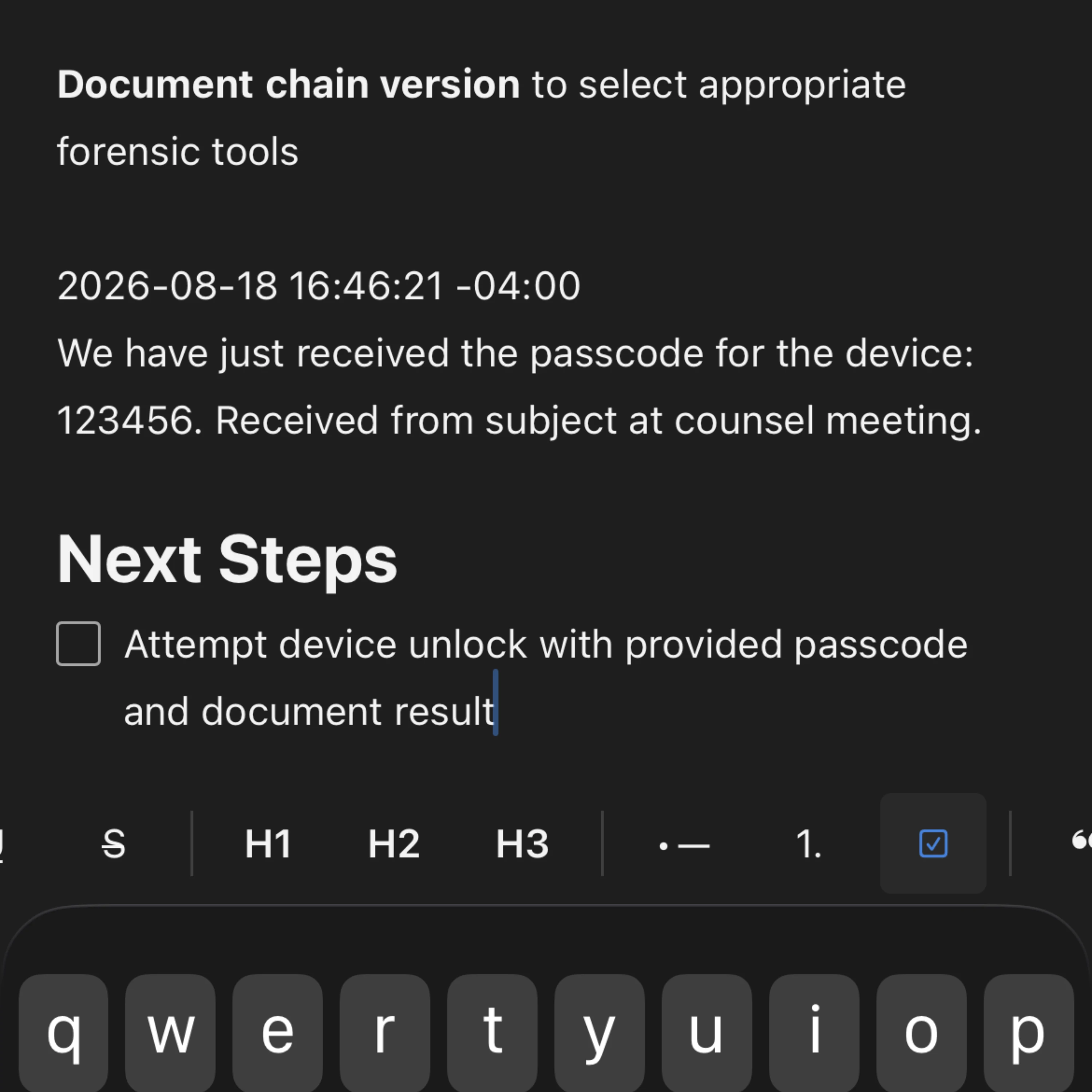
Monolith Mobile enables you to create a new case or evidence note right from the app, so you can document whatever you need while it's fresh.
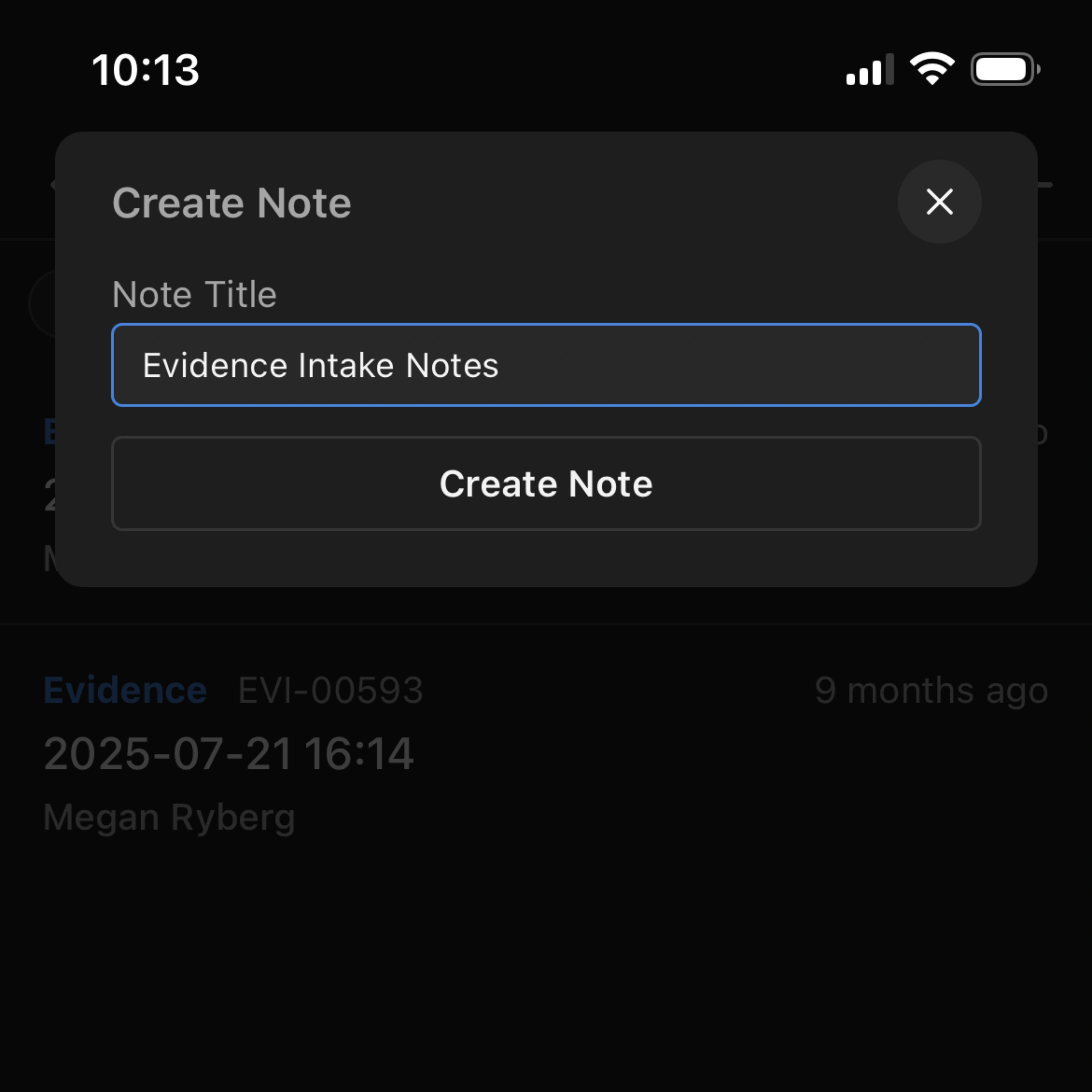
Need to review or add to one of your notes? Monolith Mobile lets you edit it directly from your mobile device. All changes sync automatically to your Monolith tenant.
Download Monolith Mobile today. Available for iOS and Android.
